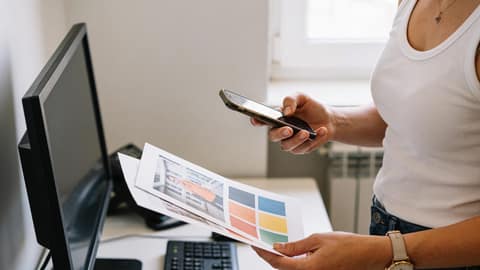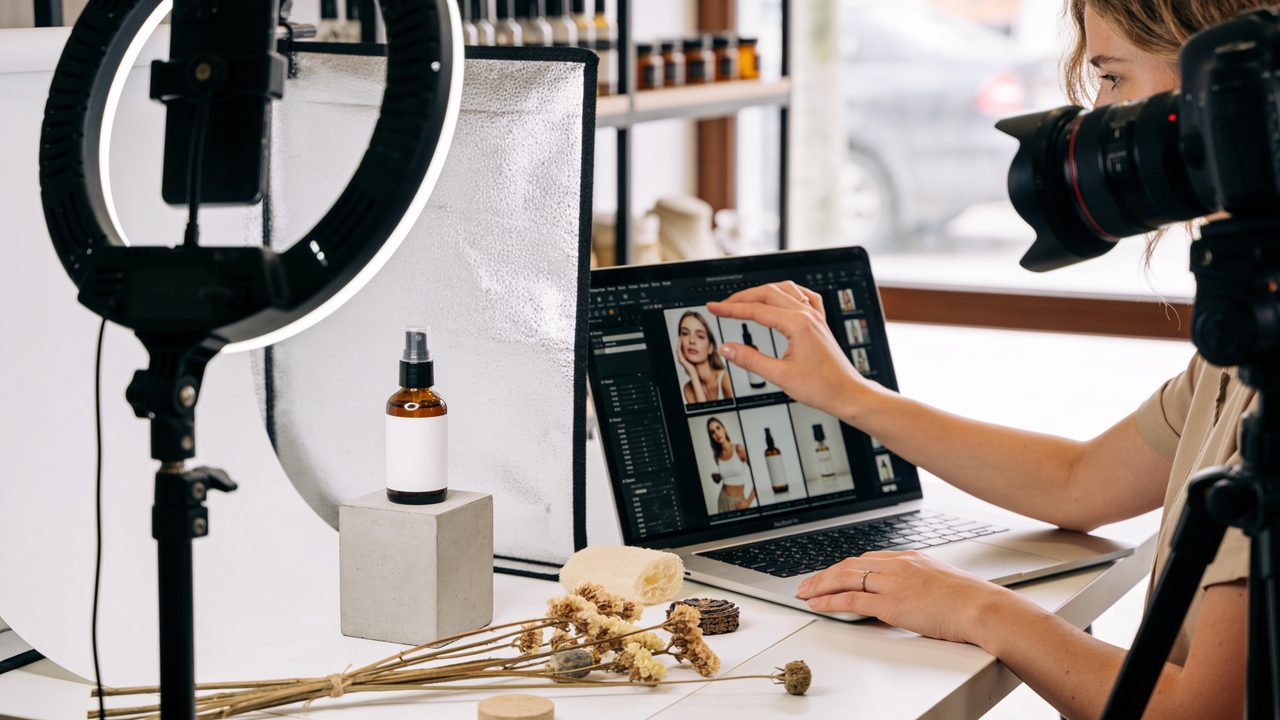
If your team prepares the images for every campaign, you know the bottleneck: coming up with the concept, choosing the products, coordinating the photos, adapting the formats and checking that everything looks like your brand. Creating AI images for ads doesn’t remove that work, but it does speed it up when the marketing direction is clear.
AI helps you explore options, prepare materials and get to a version that’s ready to design, validate and publish sooner, without letting the rush to publish win out over quality. But it doesn’t replace your brand judgment: a person always reviews. It’s one of the 20 practical uses of AI for marketing teams.
AI images for ads: start with the concept
The best starting point isn’t asking for “a pretty image.” It’s defining what the piece has to achieve. An ad concept brings together four things:
- An audience: who you’re talking to.
- A value proposition: why they should care.
- An emotion: what you want them to feel.
- An action: what you expect them to do.
With that clear, AI can suggest several visual routes: an everyday-use scene, a close-up of the product, a seasonal composition or a more aspirational image.
For example, imagine a cosmetics store preparing a hydration promotion. It can ask for sketches built around morning rituals, clean textures and a feeling of freshness. The value is in comparing directions, not in accepting the first image. Your team picks the idea that best reflects the brand and turns it into ads for social media, banners or email.
Gather what makes every piece consistent
For your AI images for ads to look like your brand, you need clear instructions and good materials. Before creating anything, prepare a reusable brief (the campaign instructions): goal, audience, channel, format, main message, call to action and brand tone. Claude or ChatGPT can help you write the brief and the prompts (the instructions for the AI); Higgsfield or ChatGPT itself can generate the images.
For product visuals, give it real photos and write down what can’t change: color, packaging, label, logo, proportions and functional details. AI can place your product in a different setting or vary the composition, but it shouldn’t invent features. If it alters the packaging or distorts the item, use that result only as a mockup and, in the final design, use the approved product photo.
Also define your restrictions: what to avoid, colors outside your palette, styles foreign to your business and uses that aren’t allowed. This is one of the first things worth writing down, because it saves you from starting from scratch on every campaign.
Turn the campaign into a mockup you can decide on
Campaign mockups let you see how several pieces will work together before you invest in the finishing touches. Under the same visual direction, you can generate a background image for the landing page, a vertical version for a story, a square ad and an email header. The goal is to check whether the campaign reads as one set.
Imagine, for example, a local coffee business launching a subscription for professionals who work from home. AI creates backgrounds with morning light, a tidy table and room for the headline. The team picks a style, adds real photos of the coffee bag and keeps the palette and framing consistent across every format.
When you review the mockup, ask yourself three questions:
- Does the product stand out?
- Will the text have enough contrast?
- Does the image work at a small size, like on a phone screen?
Reviewing early lets you catch inconsistencies before they multiply in every adaptation.
Avoid the mistakes that cost you trust
Speed doesn’t justify publishing without control. AI images for ads can include details that make no sense, so before approving a piece, check:
- The product: that it looks like the real thing.
- The spelling of any text inside the image.
- Hands, faces, objects and backgrounds: that’s where odd details tend to show up.
- The people: if they appear, that the representation is appropriate for your audience and the context.
Another common mistake is using backgrounds that are too flashy. The background supports the message; it doesn’t compete with it. Leave clean areas for headlines and buttons, add a color overlay if needed and check the contrast on a phone.
Finally, don’t treat the results as final assets without checking the licenses, the tool’s usage policies and your business’s approval criteria. Keep a record of prompts, source files and changes so you can repeat what works.
Start with one small campaign
Pick a campaign that’s coming up soon, write a short brief and generate three visual directions to compare. Choose one, build a mockup with two or three formats and review brand, product and readability before publishing. With every round, you collect references to produce more consistent AI images for ads, faster, without losing control of the strategy.
Want these tools compared in depth? Check the unbiased reviews.