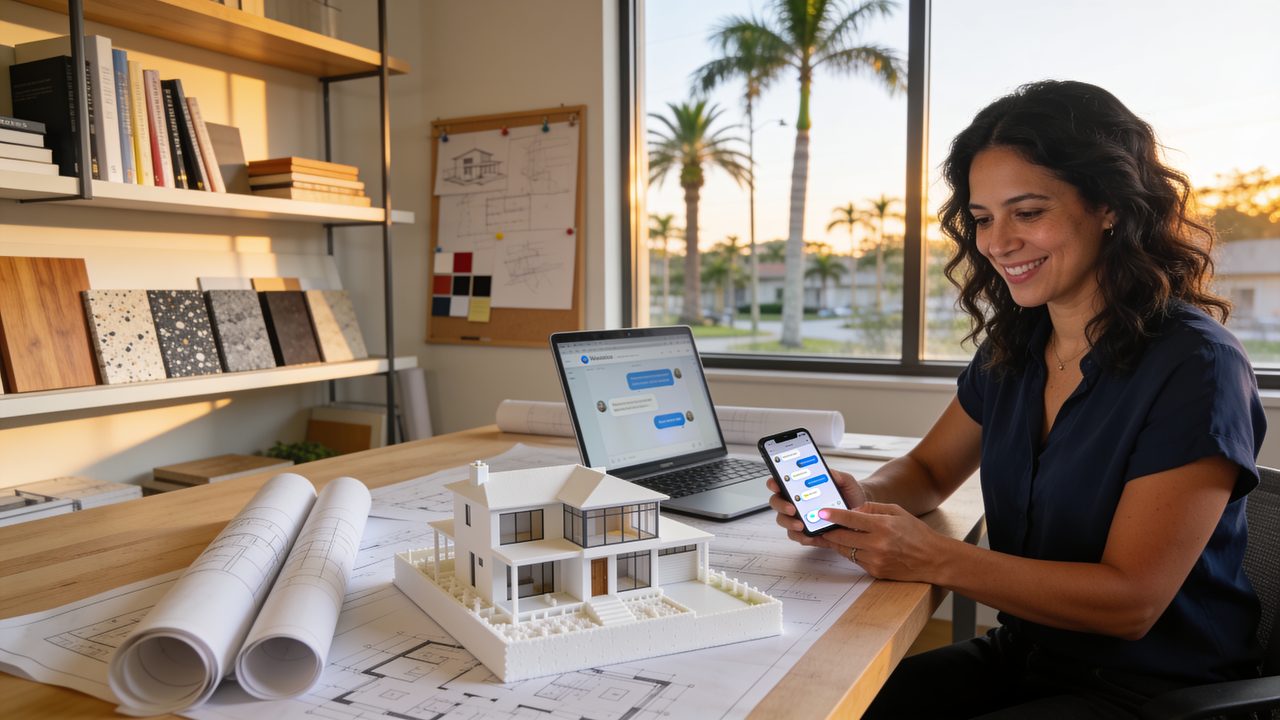
It’s 10:40 at night. Someone just bought a lot, lands on your website and writes: “How much does it cost to design a house?” You’re asleep or, worse, still finishing a set of drawings. Tomorrow you answer at 9:00, and they’ve already called two other firms.
A chatbot for architects solves exactly that. It answers right away, asks the right questions and offers the client a meeting with you. It doesn’t design, quote or sign anything: it handles the front desk so you can keep doing what truly matters, designing.
The questions you get every single week
If you run an architecture studio or firm, this list will sound familiar:
- How much do you charge to design a house or an addition?
- Do you work in my city?
- How long does the design take? And the permit?
- What do I need to get started? (the property survey, the deed, photos)
- Do you do remodels or only new homes?
- Can you help me get the building permit?
Each answer takes a few minutes. Do the math: if you answer ten messages a day, Monday to Friday, and each one takes five minutes, that’s more than four hours a week repeating yourself. And it’s not just the time: the client who writes at night wants an answer at night.
What a chatbot for architects does (and what it doesn’t)
Think of the chatbot as your firm’s receptionist, available at any hour (and never tired of the same question). A good chatbot for architects:
- Answers with your answers. Services, the areas you cover, how your process works by phases and what to bring to the first meeting. It all comes from a knowledge base (the documents the chatbot checks to reply) that you write.
- Qualifies the project. It asks what the client wants to build, where, whether they already own the lot, an approximate budget and when they want to start. That way you know who’s ready and who’s still dreaming.
- Books the meeting. It offers times from your calendar for a call or a meeting at your office.
- Gets everything ready for you. It asks for photos of the site, the survey or the ideas the client saved on Pinterest, and you get a tidy summary before the meeting.
And what it should not do:
- It doesn’t give final prices or promise permit dates. It can explain what the cost depends on, or share a range you approved, and hand the conversation to you.
- It doesn’t interpret the building code or give structural advice. That’s yours, with your license and your seal.
- It doesn’t pretend to be a person. It says it’s an automated assistant and always offers to talk to someone at the firm.
A real example: an addition
Picture that 10:40 p.m. conversation, now with your chatbot:
Client: Hi, I want to add a bedroom and a bathroom to my house. Do you do that?
Chatbot: Of course! We design additions and prepare the drawings for the permit. To point you in the right direction, what city is the house in?
Client: Dallas.
Chatbot: Perfect, we work throughout Osceola County. Do you have the property survey? If not, I can explain how to get one.
Client: Yes, I have it.
Chatbot: Great. When would you like to start, and do you have an approximate budget for the project?
Client: In January, around $60,000.
Chatbot: Thank you. The architect can talk with you on a 20-minute call Tuesday at 10:00 a.m. or Wednesday at 3:00 p.m. Which works better for you?
The next morning you open your email and find: name, phone, project type, city, survey yes, budget, timeline and the meeting already on your calendar. You didn’t answer a thing. The chatbot handled the front desk, and you walk into the call knowing what it’s about.
How to set up your chatbot for architects without being a programmer
You don’t need to know code. You need clarity about your business:
- Write down your top 20 questions and answers. The ones you get by email, Instagram and WhatsApp. Ask Claude or ChatGPT to help you organize them and write them in your voice.
- Define what a good project looks like for you. Project type, area, minimum budget and timeline. With that, the chatbot knows when to offer a meeting and when to send a guide for later.
- Connect it where people already write to you. Your website, WhatsApp Business or Instagram, plus your calendar for the meetings.
- Test it with your team before you publish it. Then review the conversations every week: whatever the chatbot couldn’t answer tells you what to add.
For other ways to use AI in your firm (proposals, meeting notes and client communication), read AI for architects. And if you’re curious about the sales side, here’s the guide to AI chatbots for marketing.
Your judgment is still in charge
The chatbot opens the door; the design, the proposal and the seal are yours. So:
- Always review what it answers, especially anything about permits, codes and costs.
- Don’t share confidential client information in tools your firm hasn’t approved.
- Use it to guide and organize, not as the final source for technical answers.
Start with one goal
You don’t have to automate your whole firm tomorrow. Start with one goal: no client who writes at night goes without an answer. If I, without being an architect, build things with AI every day, you, with your knowledge of the craft, can achieve so much more.
Want these tools compared in depth? Check the unbiased reviews.