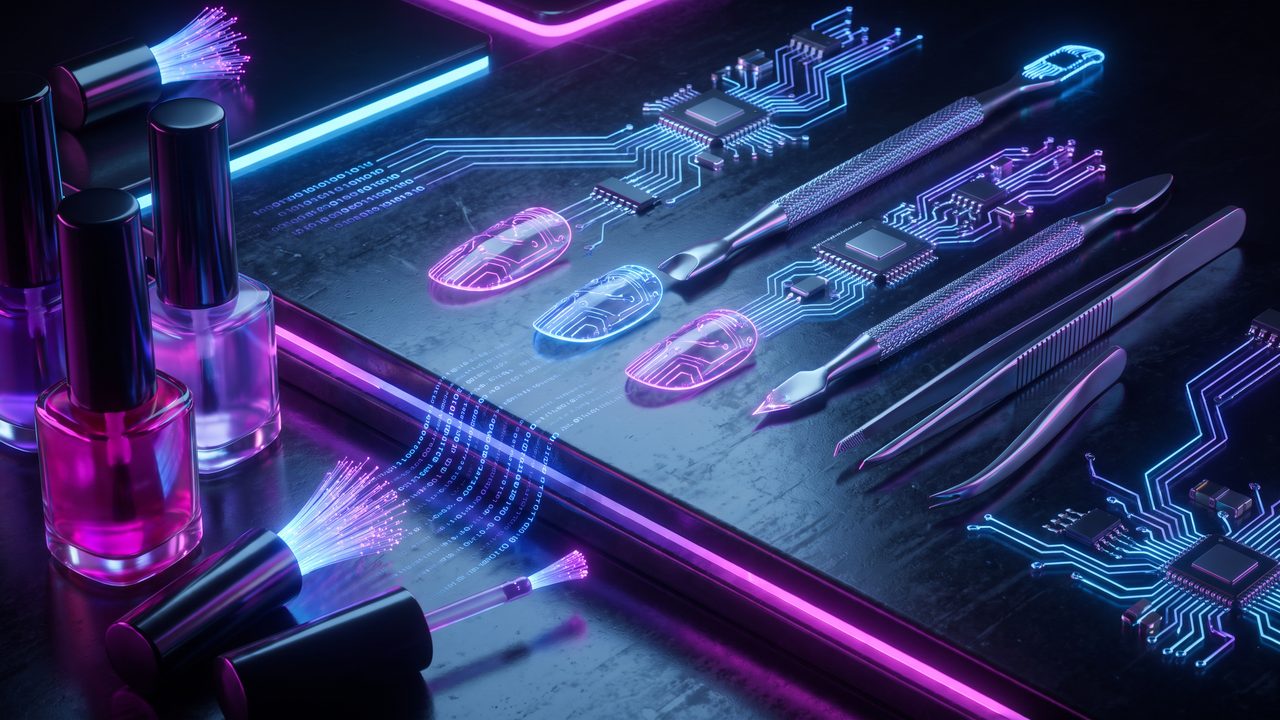
If you do nails for a living, you know time is never on your side. Between appointments, you’re answering messages, hunting for design references, building your schedule and, if you get a spare moment, posting something on social so clients don’t forget you exist. All of that before you even pick up the gel brush.
The good news: AI can handle a big chunk of that extra work so you can focus on what actually matters: your clients and your craft.
Design assistance: from idea to visual in minutes
One of the most common questions clients ask is: “Do you have something like this, but in a different color?” or “I want something for a wedding, what do you suggest?” With AI, you can answer faster and more creatively.
Tools like ChatGPT or Claude can help you:
- Describe designs to find references: “Give me 5 modern French tip ideas for a 30-year-old client going to a beach wedding”
- Build inspiration catalogs with keywords to search on Pinterest or Instagram
- Create short descriptions for each design in your portfolio
The AI doesn’t do the design for you; it gives you the starting point. You execute it, because that’s where your talent lives.
Your schedule, without the chaos
Answering client messages to book appointments can eat up an hour of your day. With AI you can:
- Create auto-replies for frequently asked questions: hours, prices, time per service
- Draft personalized appointment confirmation messages
- Set up reminder messages to send via WhatsApp or text
For example, you can ask Claude: “Write me a confirmation message for a gel manicure appointment, reminding the client to come with no polish on their nails and to arrive 5 minutes early.” It gives you the message ready to copy, personalize and save as a template.
Instead of typing the same text ten times a day, you copy it, adjust the name and service, and you’re done.
Client management: records without the paperwork
How many times have you asked a client what color she had last time? With AI you can organize that information simply.
A simple way to start: create a note or Google Sheet for each client with her preferences, allergies (important if she uses gel or acrylic) and the designs she has requested. Then you can ask the AI to help you draft the form format, or suggest what data to capture.
This is called client management, and it makes every visit feel more personal. Clients notice it, and that builds loyalty.
Social media marketing: content without burning out
Posting consistently on Instagram or TikTok is hard when you’re on your feet doing nails all day. AI can help you with:
- Content ideas: “Give me 10 short video ideas for a nail tech who works from home”
- Captions for photos of your work: “Write me a caption for a navy blue nail set with silver details, professional tone and hashtags for Latina nail techs”
- Replies to frequent comments or DMs
A note: always review what you publish to make sure it sounds like you. AI gives you the draft; you add your personality.
A workflow that works: at the end of each week, give the AI five photos of work from the day and ask for captions for all of them. In ten minutes you have the week’s social content planned.
A mobile business can get organized with AI too
If you work from home or travel to clients’ homes, the organizational chaos is even bigger. AI can help you:
- Build a list of materials to bring for each service type
- Create a checklist to prep your kit before every appointment
- Draft your prices and cancellation policy in clear, professional language
Those kinds of documents are tedious to write, but with AI you have them done in minutes. And once you do, they save you disagreements and misunderstandings.
Where to start
You don’t have to use all of it at once. Pick one task that takes up your time this week and delegate it to AI. It could be confirmation messages, social media captions, or design ideas.
If I can build things with AI without a tech background, you with your eye for design and your experience with clients can use it to grow your business and get your time back. You just have to start.
Want these tools compared in depth? Check the unbiased reviews.