
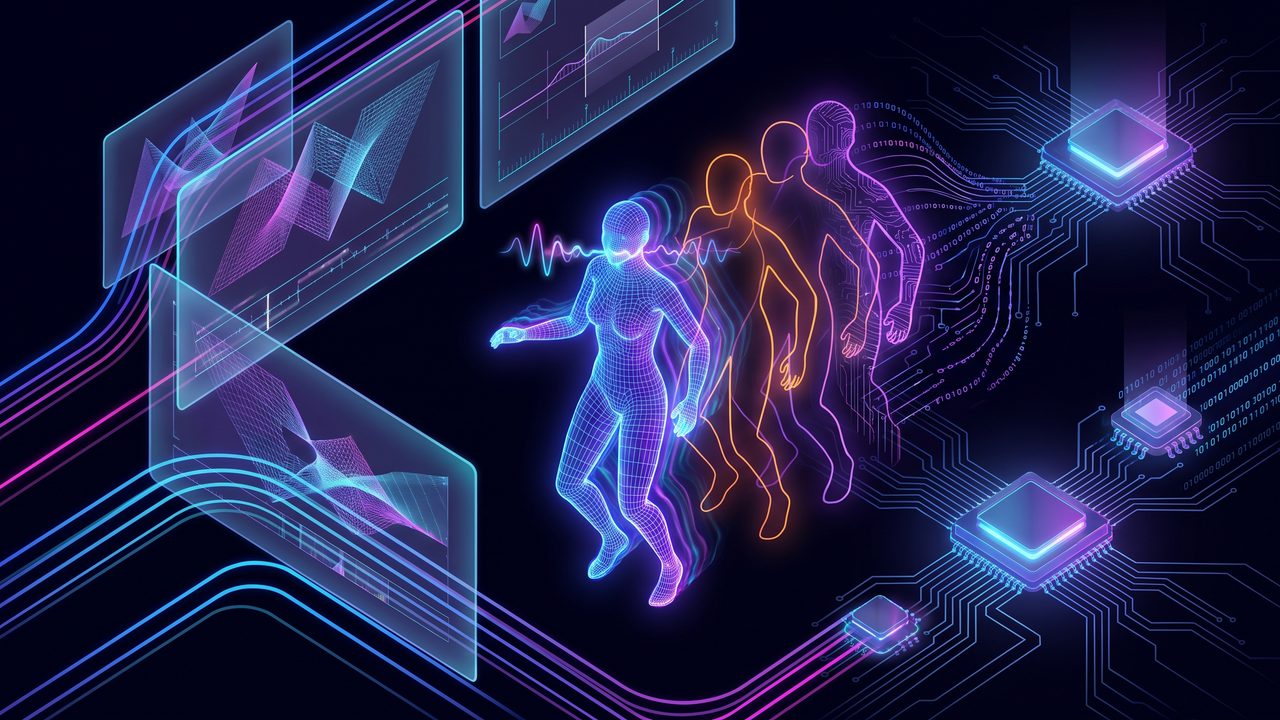
If you’re an animator, you know a big part of the craft isn’t the pretty frame: it’s everything around it. The storyboard you redo three times, the reference you hunt for hours, the frame-by-frame lip-sync, the repetitive tasks that eat your week. AI for animators doesn’t draw your style for you. It takes away the tedious part so you can spend your energy on what actually needs your eye.
I say this from my own experience building with AI: it’s a strategic tool that makes you more efficient, not one that replaces you. The movement, the timing and the intent stay yours.
Storyboards and animatics, faster
The storyboard is thinking through the scene before animating it, and that’s where AI speeds up the exploration part a lot. You can ask it to help you plan shots and pacing before you touch the pencil:
- “I have this scene: a character walks into a dark room and finds a letter. Propose a 6-shot breakdown with angles and mood.”
- “Give me three different ways to frame this moment of tension.”
- “Where would I place a cut so the joke lands better?”
You take those ideas as a starting point and draw your version. It’s the difference between starting from scratch and starting with a map.
References without losing the afternoon searching
Finding reference is necessary but it eats time. With AI you describe exactly what you need and have it in seconds: “a pose of someone carrying something heavy uphill, side view”, “how fabric folds when someone sits down suddenly”, “surprise expressions that aren’t cartoonish”. You can also ask an assistant like Claude to explain the mechanics of a movement (the principles of weight, anticipation or follow-through) while you work.
Generated reference is a support, not the final art. It saves you the search so you can bring the interpretation.
Lip-sync: less manual frame by frame
Lip-sync is one of the most repetitive tasks in the pipeline. There are now AI tools that analyze audio and propose the phonemes and mouth shapes frame by frame, leaving you a first pass you just have to refine. Instead of marking every vowel by hand from scratch, you correct it and give it the personality the machine doesn’t have. It does the boring work; you bring the acting.
The repetitive tasks that drain the week
Here’s the real, less glamorous savings. Think of everything you do that isn’t animating:
- Documenting the project: have the AI draft an asset description, a character sheet or scene notes from your loose jottings.
- Naming and organizing: ask it for a naming convention for your files or layers before the project turns into chaos.
- Writing emails and reports: the client update, the note to the team, the progress summary. You give it the points and it hands back clear text.
- Breaking down tasks: “Split this sequence into steps and estimate how long each one takes me.”
None of this animates a single frame, but it’s exactly what steals the hours you’d rather spend animating.
Your style is what doesn’t get automated
The important part: AI proposes, organizes and speeds things up, but the weight, the fluidity and the emotion of good movement come from your trained eye. A couple of honest tips:
- Use AI for drafts, references and organization, not as the source of the final art.
- Always review what it gives you: a generated pose can have weird hands or impossible anatomy.
- Don’t upload confidential material (a client’s assets, a project under NDA) without checking the tool’s policies.
Start small
Don’t change your whole pipeline tomorrow. Take a single task you hate, say a storyboard breakdown or the weekly report, and hand it to AI this week. See how much time you get back for what you actually love: animating.
If I, without being an animator, can build things with AI, you with your technique and your eye can achieve so much more. The movement is yours. AI just takes away what gets in the way.
Want these tools compared in depth? Check the unbiased reviews.







