
29 de junio de 2026 · Claude · ChatGPT
No-code vs IA: ¿cuál te conviene para lanzar tu primera idea?No-code vs AI: which one is right to launch your first idea?
No-code vs IA: te explico la diferencia simple, cuándo conviene cada uno y cómo elegir para lanzar tu primera idea sin saber programar. Guía clara para empezar hoy.No-code vs AI: I explain the simple difference, when each one fits and how to choose to launch your first idea without knowing how to code. A clear guide to start today.
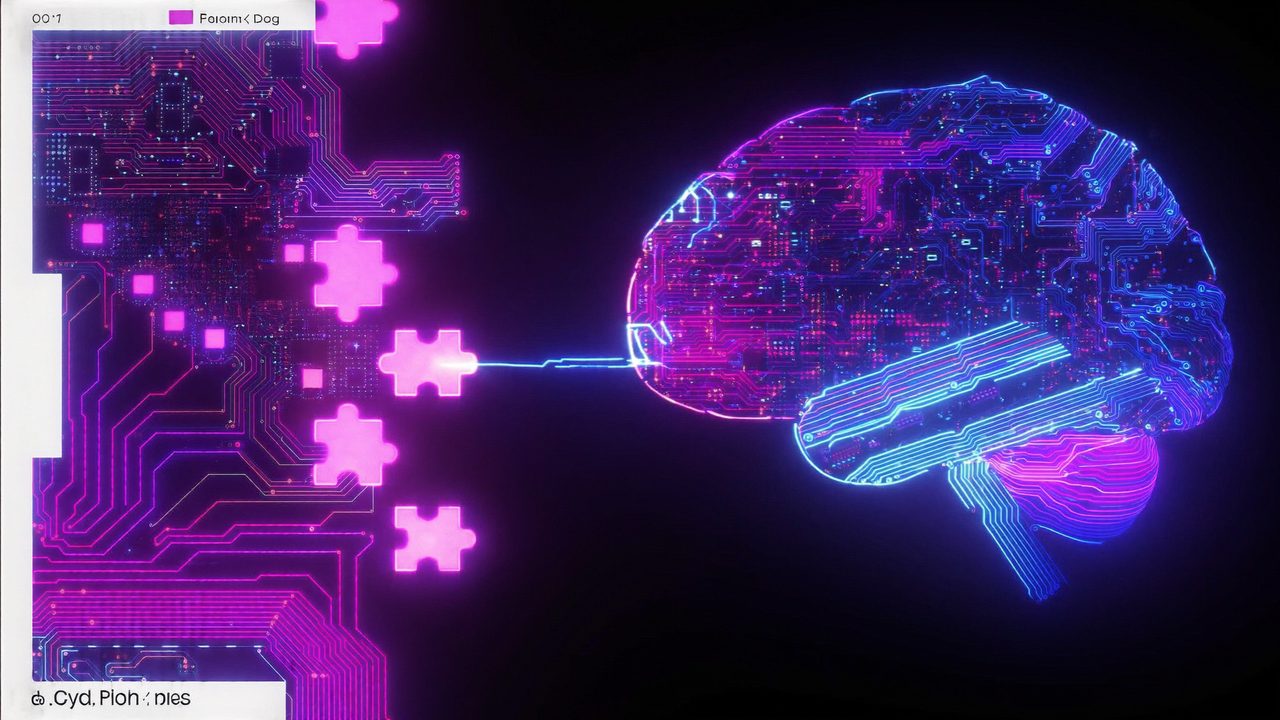
Tienes una idea. Una app sencilla, una página, una herramienta que resuelve algo tuyo. Y enseguida llega la pregunta: “¿con qué la construyo si no sé programar?”. Hoy las dos respuestas más populares son no-code y IA. Suenan parecido, pero no son lo mismo, y elegir bien te ahorra semanas. Vamos a aclararlo en simple.
Qué es cada uno (sin tecnicismos)
No-code son herramientas donde construyes arrastrando bloques, como armar con piezas de Lego. Tú diseñas la pantalla, conectas un botón con una acción, y la herramienta genera la app por detrás. No escribes código: lo “dibujas”.
IA (como Claude o ChatGPT) es distinto: tú le describes en palabras lo que quieres y ella escribe el código de verdad por ti, o te guía paso a paso. En lugar de armar con piezas prefabricadas, le explicas tu idea y la máquina la construye.
La diferencia de fondo: el no-code te da piezas listas dentro de sus límites. La IA te da código a tu medida, con menos límites pero pidiéndote un poco más de involucramiento.
Cuándo te conviene el no-code
El no-code brilla cuando tu idea encaja en lo que la herramienta ya sabe hacer:
- Quieres algo rápido y visual: una landing, un formulario, una tienda sencilla.
- Te sientes más cómodo viendo y tocando que escribiendo instrucciones.
- No necesitas nada raro: lo tuyo es parecido a cosas que ya existen.
La ventaja es la velocidad. El límite aparece cuando quieres algo que la herramienta no contempla: ahí te topas con una pared y no hay forma de empujarla.
Cuándo te conviene la IA
La IA brilla cuando quieres control y flexibilidad, aunque no sepas programar:
- Tu idea es específica o un poco distinta a lo común.
- Quieres aprender algo en el camino, no solo apretar botones.
- Te imaginas creciendo: empezar simple, pero poder cambiar cualquier cosa después.
Con herramientas como Claude Code le describes tu proyecto y la IA escribe los archivos, te explica qué hace cada parte y corrige los errores contigo. Tú no escribes el código, pero la idea (y el control) siguen siendo tuyos.
La verdad: muchas veces es “los dos”
No tienes que casarte con uno. Un camino muy común hoy:
- Prototipas en no-code para ver tu idea viva rapidito y mostrarla.
- Cuando choques con un límite, le pides a la IA la pieza que el no-code no te daba.
- Si la idea crece, migras a algo a tu medida construido con IA, con más libertad.
Lo importante no es la herramienta, es que empieces. La mejor es la que te haga publicar tu primera versión esta semana, no la “perfecta” que te tiene leyendo comparaciones un mes más.
Cómo decidir en 30 segundos
Hazte una sola pregunta: ¿mi idea se parece a algo que ya existe, o tiene su propia vuelta?
- Si se parece y la quieres ya: arranca en no-code.
- Si tiene su vuelta, o quieres aprender y controlar: arranca con IA.
Y si dudas, abre una IA, descríbele tu idea y pregúntale: “para esto, ¿me conviene más no-code o construirlo contigo, y por qué?”. Te va a dar una recomendación clara para tu caso.
Empieza pequeño
Yo, sin ser ingeniera, construí cosas reales con IA porque dejé de buscar la herramienta perfecta y empecé con una idea chiquita. Escoge la tuya, elige un camino con lo de arriba, y dale hoy. Siempre puedes cambiar de herramienta; lo que no puedes recuperar es el mes que pasaste sin empezar.
You have an idea. A simple app, a page, a tool that solves something for you. And right away the question shows up: “what do I build it with if I don’t know how to code?”. Today the two most popular answers are no-code and AI. They sound similar, but they’re not the same, and choosing well saves you weeks. Let’s make it simple.
What each one is (no jargon)
No-code are tools where you build by dragging blocks, like building with Lego pieces. You design the screen, connect a button to an action, and the tool generates the app behind the scenes. You don’t write code: you “draw” it.
AI (like Claude or ChatGPT) is different: you describe in words what you want and it writes the real code for you, or guides you step by step. Instead of assembling prefab pieces, you explain your idea and the machine builds it.
The core difference: no-code gives you ready-made pieces within its limits. AI gives you custom code, with fewer limits but asking a bit more involvement from you.
When no-code is right for you
No-code shines when your idea fits what the tool already knows how to do:
- You want something fast and visual: a landing page, a form, a simple store.
- You’re more comfortable seeing and clicking than writing instructions.
- You don’t need anything unusual: yours is similar to things that already exist.
The advantage is speed. The limit shows up when you want something the tool doesn’t account for: that’s where you hit a wall and there’s no way to push it.
When AI is right for you
AI shines when you want control and flexibility, even if you don’t know how to code:
- Your idea is specific or a little different from the usual.
- You want to learn something along the way, not just click buttons.
- You picture yourself growing: start simple, but be able to change anything later.
With tools like Claude Code you describe your project and the AI writes the files, explains what each part does and fixes the errors with you. You don’t write the code, but the idea (and the control) stay yours.
The truth: often it’s “both”
You don’t have to marry one. A very common path today:
- You prototype in no-code to see your idea alive quickly and show it.
- When you hit a limit, you ask the AI for the piece no-code couldn’t give you.
- If the idea grows, you move to something custom built with AI, with more freedom.
What matters isn’t the tool, it’s that you start. The best one is the one that gets you to publish your first version this week, not the “perfect” one that keeps you reading comparisons for another month.
How to decide in 30 seconds
Ask yourself one question: does my idea look like something that already exists, or does it have its own twist?
- If it’s similar and you want it now: start in no-code.
- If it has a twist, or you want to learn and control: start with AI.
And if you’re unsure, open an AI, describe your idea and ask: “for this, is no-code better for me or building it with you, and why?”. It’ll give you a clear recommendation for your case.
Start small
I, without being an engineer, built real things with AI because I stopped looking for the perfect tool and started with a tiny idea. Pick yours, choose a path with the above, and go for it today. You can always switch tools; what you can’t get back is the month you spent not starting.
¿Quieres ver estas herramientas comparadas a fondo? Pásate por las reseñas sin filtro. Want these tools compared in depth? Check the unbiased reviews.