
2 de julio de 2026 · Claude · ChatGPT · Perplexity
IA para periodistas: investigación rápida, borradores y verificación de datosAI for journalists: quick research, drafts and fact-checking
Cómo los periodistas y redactores pueden usar la IA para investigar más rápido, estructurar historias y verificar datos, sin perder su voz ni su criterio editorial. Ejemplos prácticos.How journalists and writers can use AI to research faster, structure stories and verify data, without losing their voice or editorial judgment. Practical examples.
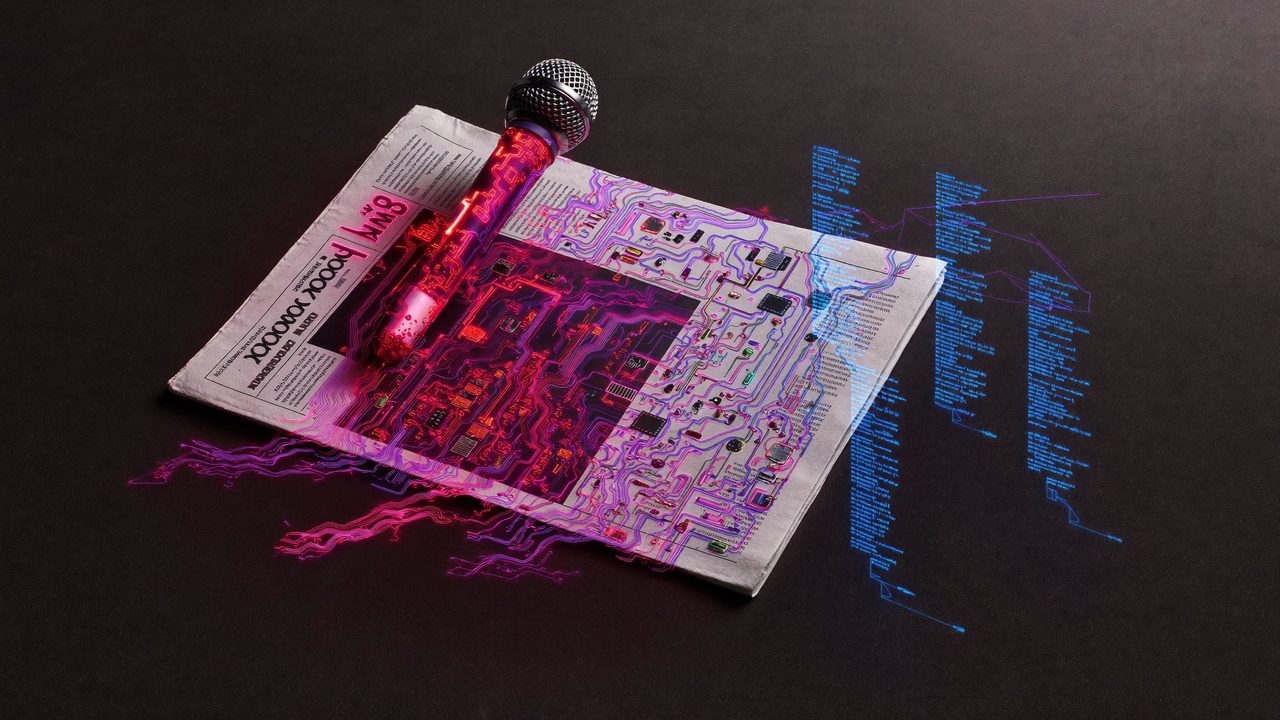
El periodismo siempre ha tenido prisa. La diferencia ahora es que la inteligencia artificial puede ayudarte a ir más rápido sin sacrificar la calidad, siempre que sepas qué tareas delegarle y qué criterios nunca puedes soltar.
Esto no es un debate de si la IA va a “reemplazar” a los periodistas. Es una guía práctica de cómo usarla para hacer tu trabajo mejor.
Dónde la IA ahorra más tiempo en el periodismo
Hay partes del proceso periodístico que consumen horas pero no son la esencia del trabajo. Ahí es donde la IA brilla:
- Investigación inicial: en lugar de abrir 15 pestañas y anotar a mano, puedes pedirle a una IA que te dé un resumen del contexto de un tema (con la advertencia importante de que siempre debes verificar cada dato con fuentes primarias).
- Estructurar la historia: si tienes notas dispersas de entrevistas, puedes darle ese material a la IA y pedirle que te sugiera una estructura narrativa. No para que escriba la nota, sino para ayudarte a ver el arco.
- Borradores de secciones no críticas: líderes de sección, pies de foto, subtítulos, resúmenes para redes sociales.
- Revisión de consistencia: pegar una nota larga y pedirle que detecte si hay contradicciones internas o datos que se contradigan entre sí.
- Transcripciones y síntesis: si tienes una entrevista larga, la IA puede ayudarte a identificar las citas más relevantes y resumir el resto.
Un flujo real: de las notas al borrador
Imagina que volviste de una conferencia de prensa y tienes 3 páginas de notas. El flujo puede ser así:
- Pones las notas en bruto en Claude o ChatGPT.
- Le pides: “Estas son mis notas de una conferencia de prensa sobre [tema]. Identifica los 3 puntos más noticiosos, sugiere un lead posible y dame la estructura de una nota de 500 palabras.”
- La IA te devuelve una estructura y una propuesta de lead.
- Tú evalúas si esa propuesta captura el ángulo que encontraste en la sala, la ajustas con tu criterio y escribes la nota con tu voz.
La IA no estuvo en la conferencia. No vio la cara del funcionario cuando le hicieron esa pregunta. No captó el tono. Tú sí. Ese es tu valor irreemplazable.
La verificación: la IA no es tu fuente
Este es el punto más crítico para los periodistas: la IA no verifica hechos, los genera. Cuando le preguntas sobre datos, estadísticas o eventos, puede darte respuestas que suenan muy seguras pero que son incorrectas o desactualizadas.
La IA puede ayudarte a identificar qué necesitas verificar, darte el contexto general de un tema o sugerirte qué preguntas hacer. Pero la verificación con fuentes primarias, documentos oficiales y contactos directos sigue siendo tu trabajo.
- Herramientas como Perplexity AI citan sus fuentes, lo que facilita la verificación posterior.
- Claude es muy útil para ayudarte a analizar documentos que tú mismo le provees (un informe oficial, un PDF).
- Nunca publiques un dato que venga solo de una IA sin haberlo verificado con una fuente independiente.
Tu voz no se delega
La IA puede ayudarte a estructurar, pero el ángulo, la voz, el juicio editorial y la conexión con la realidad que viste: eso es tuyo. Si le dejas escribir la nota completa sin revisarla a fondo, el resultado va a sonar genérico y va a carecer del detalle que solo tú tienes.
El mejor uso de la IA en periodismo no es que escriba por ti. Es que te libere de las partes más mecánicas para que puedas dedicar más tiempo a reportear, a entrevistar y a pensar con más profundidad.
Cómo empezar sin miedo
Elige una tarea pequeña esta semana. Por ejemplo:
- La próxima vez que tengas que escribir un resumen de una nota para redes, pídele a la IA que te dé 3 versiones y elige la mejor.
- O dale tus notas de una entrevista y pídele que identifique las citas más potentes.
La IA no te va a quitar tu trabajo si sabes usarla. Te va a dar más espacio para hacer el trabajo que solo tú puedes hacer.
Journalism has always been in a hurry. The difference now is that artificial intelligence can help you move faster without sacrificing quality, as long as you know which tasks to hand off and which standards you can never let go.
This isn’t a debate about whether AI will “replace” journalists. It’s a practical guide on how to use it to do your job better.
Where AI saves the most time in journalism
There are parts of the journalistic process that consume hours but aren’t the essence of the work. That’s where AI shines:
- Initial research: instead of opening 15 tabs and taking notes by hand, you can ask an AI for a summary of a topic’s context (with the important caveat that you must always verify every fact with primary sources).
- Structuring the story: if you have scattered notes from interviews, you can give that material to AI and ask it to suggest a narrative structure. Not to write the story, but to help you see the arc.
- Drafts of non-critical sections: section leads, photo captions, subheadings, social media summaries.
- Consistency review: paste a long piece and ask it to detect internal contradictions or conflicting data.
- Transcripts and synthesis: if you have a long interview, AI can help you identify the most relevant quotes and summarize the rest.
A real workflow: from notes to draft
Imagine you just came back from a press conference and you have 3 pages of notes. The flow can look like this:
- You paste the raw notes into Claude or ChatGPT.
- You ask: “These are my notes from a press conference about [topic]. Identify the 3 most newsworthy points, suggest a possible lead and give me the structure for a 500-word story.”
- The AI gives you a structure and a proposed lead.
- You evaluate whether that proposal captures the angle you found in the room, adjust it with your judgment, and write the story in your voice.
The AI wasn’t at the press conference. It didn’t see the official’s face when that question was asked. It didn’t catch the tone. You did. That’s your irreplaceable value.
Verification: AI is not your source
This is the most critical point for journalists: AI doesn’t verify facts, it generates them. When you ask it about data, statistics or events, it can give you answers that sound very confident but are incorrect or outdated.
AI can help you identify what you need to verify, give you the general context of a topic, or suggest what questions to ask. But verification with primary sources, official documents and direct contacts remains your work.
- Tools like Perplexity AI cite their sources, which makes follow-up verification easier.
- Claude is very useful for helping you analyze documents you provide yourself (an official report, a PDF).
- Never publish a piece of data that comes only from an AI without verifying it with an independent source.
Your voice is not delegable
AI can help you structure, but the angle, the voice, the editorial judgment and the connection to the reality you witnessed: that’s yours. If you let it write the full story without reviewing it thoroughly, the result will sound generic and will lack the detail only you have.
The best use of AI in journalism isn’t having it write for you. It’s freeing you from the most mechanical parts so you can spend more time reporting, interviewing and thinking more deeply.
How to start without fear
Pick one small task this week. For example:
- The next time you have to write a summary of a story for social media, ask AI for 3 versions and pick the best one.
- Or give it your notes from an interview and ask it to identify the most powerful quotes.
AI is not going to take your job if you know how to use it. It’s going to give you more space to do the work only you can do.
¿Quieres ver estas herramientas comparadas a fondo? Pásate por las reseñas sin filtro. Want these tools compared in depth? Check the unbiased reviews.